Support
Find an answer.
Search for an answer or browse by topic. If you need more help, raise a ticket and we will reply, usually within one business day.
Raise a ticketLoading questions…
 Discover NuPARE
Search for an answer or browse by topic. If you need more help, raise a ticket and we will reply, usually within one business day.
Raise a ticketLoading questions…
Search for an answer or browse by topic. If you need more help, raise a ticket and we will reply, usually within one business day.
Raise a ticket62 questions
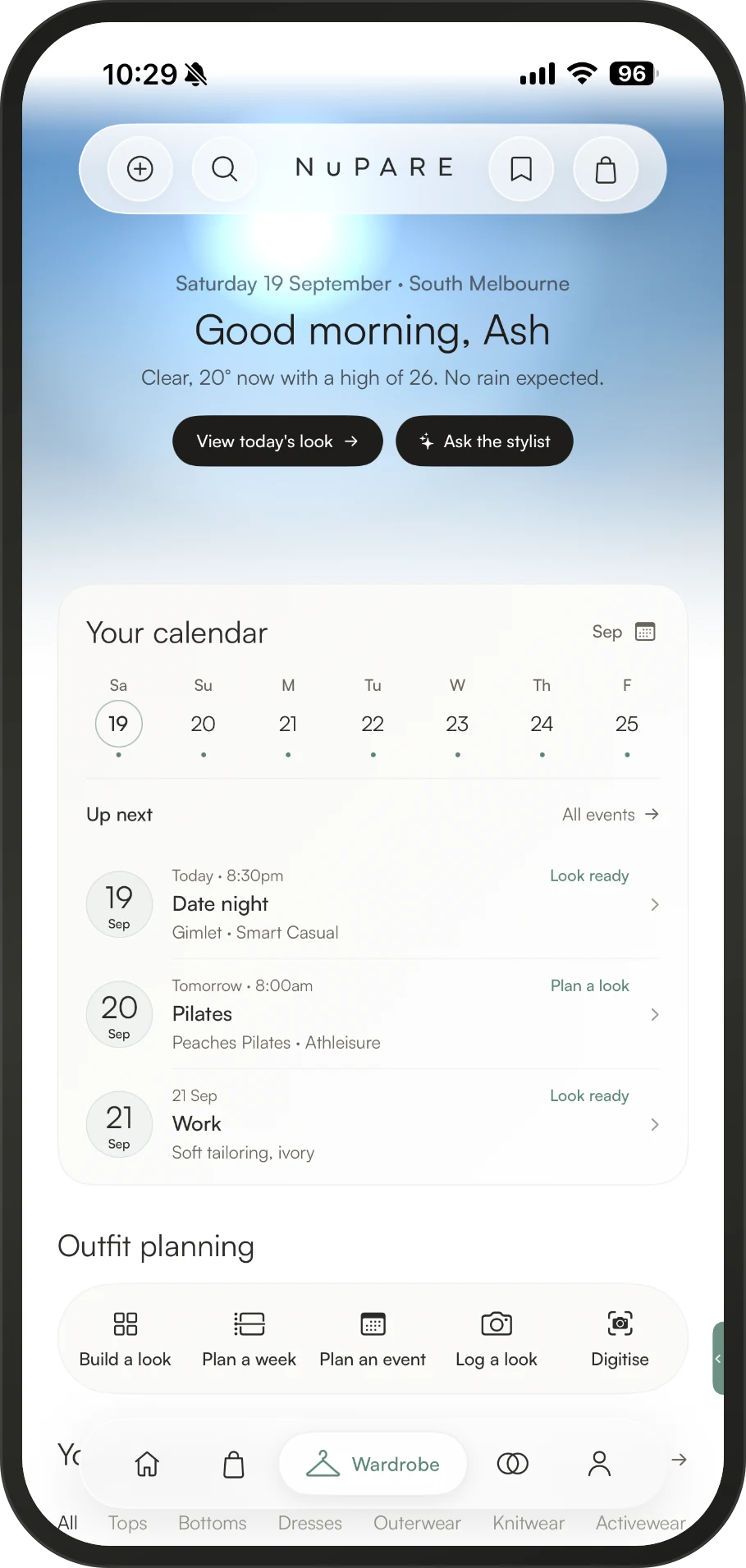
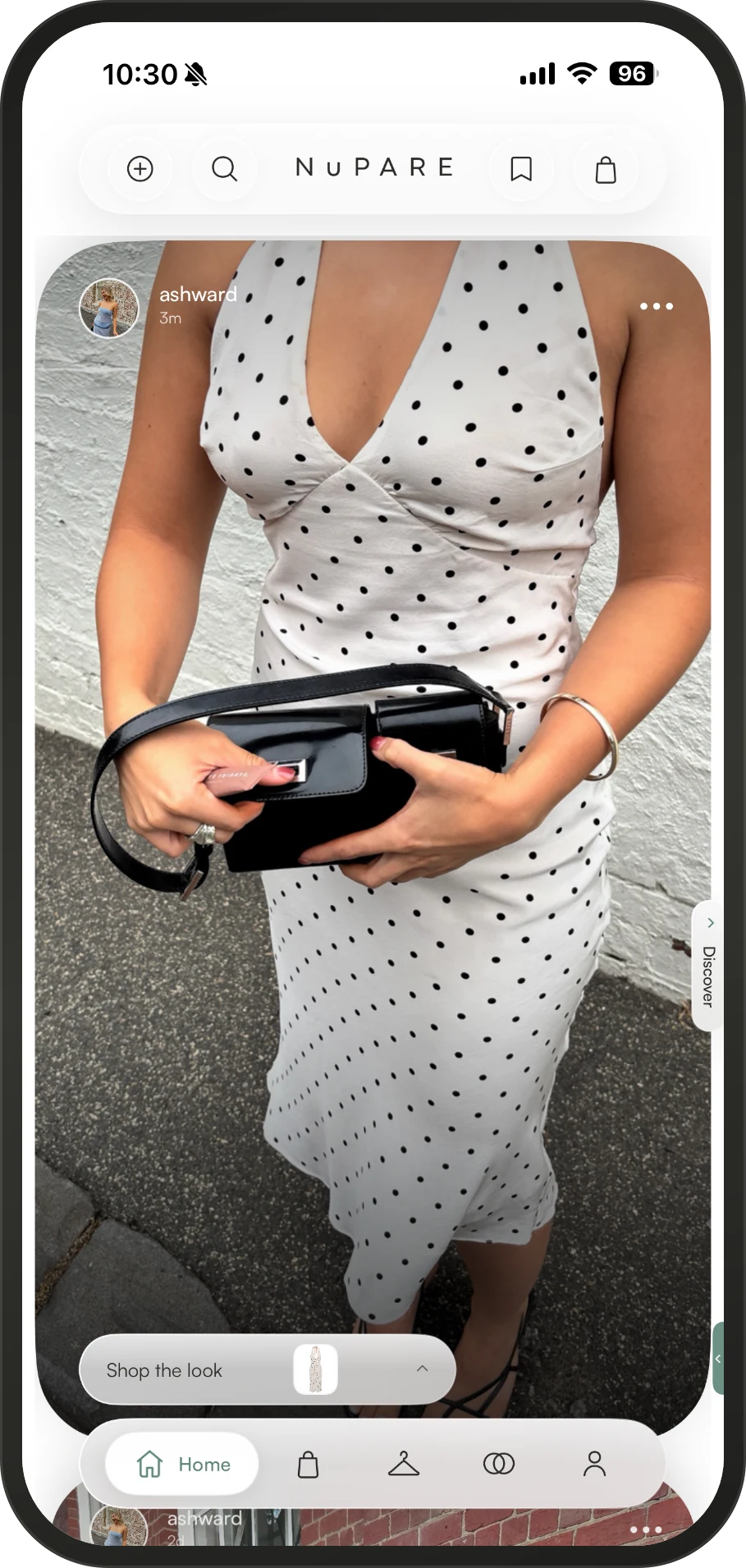
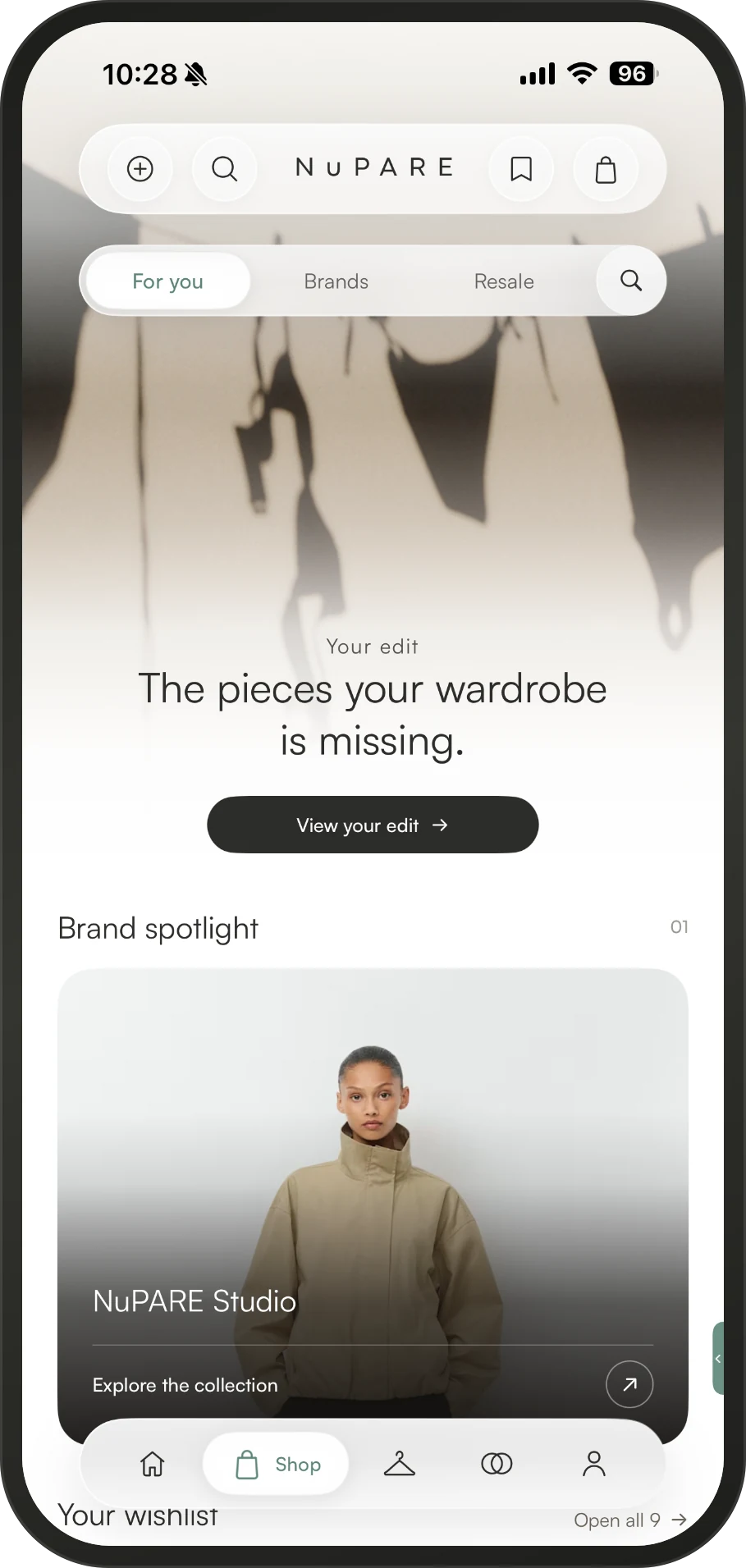
NuPARE is a social shopping and wardrobe management platform that connects inspiration, shopping, styling and resale into one seamless experience. Built around the wardrobe you already own, NuPARE helps you make more confident and intentional fashion decisions.
NuPARE is more than just a shopping app. It’s where you discover new pieces, organise your wardrobe, receive personalised styling and shopping recommendations, and resell pieces you no longer want, all in the one connected platform.
Your wardrobe makes NuPARE personal. By understanding what you already own, NuPARE can personalise what you discover, recommend pieces that work with your wardrobe and help you get more from what you already have.
Nu Pare Pty Ltd (ACN 698 123 545, ABN 28 698 123 545), an Australian company trading as NuPARE, based in Western Australia.
NuPARE is a fashion platform designed to help you make more of what you already own, with resale, care and repair built into the experience.
We only publish sustainability claims that brands can support with evidence.
NuPARE was created to make fashion feel more connected. We bring your wardrobe, discovery, shopping and styling together in one place. By understanding your wardrobe, NuPARE can make everything you see and do more relevant to you, from personalised recommendations and styling ideas to discovering pieces that genuinely work with what you already have. The result is a more personal, seamless and fun fashion experience.
Discover fashion, organise your wardrobe, get personalised styling, shop new pieces, save inspiration, resell what you no longer wear, connect with the fashion community and so much more.
Yes. You can access your NuPARE account by clicking Sign In on our website.
NuPARE is free to use. Optional paid Insider membership and certain transaction or service fees may apply. Any applicable fee is shown before you commit to the relevant purchase or service.
Create an account by clicking the Sign In button on our website or download the NuPARE app and follow the sign-up flow.
You must be at least 16 to hold a NuPARE account, unless the minimum age is higher in your country. You must be 18 or older to sell, earn Creator commission, receive payments from NuPARE or sign up to Insider. Some countries have a higher minimum age.
Download the app or sign up through our website, then follow the simple sign-up process to create your account
Open the app or web experience and sign in using the email and password associated with your account. If you’ve forgotten your password, select Forgot password to reset it.
Check your spam or junk folder first. If it still hasn’t arrived, request another email or contact support from the email address associated with your account.
Check that you’re using the email address associated with your account. If you’ve forgotten your password, select Forgot password to reset it. If you’re still having trouble, contact our Support team.
Change your password, then contact us and mark it urgent. Tell us as early as you can. We can act on anything that follows your report but cannot reverse what preceded it.
Under account settings from the signed-in app. If you have lost access to the old address, raise a ticket and we will verify you another way before changing anything.
In account settings. Closing it does not cancel an order already placed or release you from an obligation already incurred. Your information is removed within 90 days, except records we must keep by law, which section 18 of the Privacy Policy lists.
No. Each person should have one NuPARE account.
Yes. You can unsubscribe from marketing communications at any time without affecting your account. Essential emails, such as order updates and security notifications, will still be sent.
You can update your username through your profile settings, subject to availability.
Open your profile, click on the profile photo and choose a new image from your device.
Yes. You can update your password from Account Settings. If you’ve forgotten it, use the password reset option on the sign-in screen.
Yes. Choose which NuPARE notifications you want to receive in your settings. Essential service and security notifications may still be sent.
Yes. You can control what you share publicly through your privacy settings. Your wardrobe is private by default.
Yes. You can block another member to prevent them from interacting with you through NuPARE’s social features.
You can contact NuPARE through the Support Centre or Concierge within the app. You can also email hello@nupare.com.au and we will aim to respond within 24 hours.
No. NuPARE does not use your photographs to train generative AI models, and our model providers are contractually prohibited from training on your data. We may use a limited sample of inputs and outputs, de-identified where possible, to test and improve the specific NuPARE feature they came from.
The AI Stylist can use information you provide or choose to make available, such as your wardrobe, style preferences and relevant activity, to answer your request. It does not automatically your information public.
Yes. Your AI Stylist conversations are not visible to other NuPARE members. They are handled under NuPARE’s Privacy Policy and may be processed by the AI providers used for that feature.
No. NuPARE does not use your wardrobe or photographs to train generative AI models. We may process the information needed to provide the specific AI feature you choose, and a limited sample of inputs and outputs may be used to test and improve that feature as described in the Terms and Privacy Policy.
NuPARE Care connects you with trusted partners for services like dry cleaning, repairs and alterations. Request a service through the app, receive a quote and manage it through NuPARE.
Yes. Alterations are part of NuPARE Care. Request a service through the app and we’ll connect you with a partner who can provide a quote.
You can request access to your personal information, a portable copy or deletion through NuPARE’s privacy process, including via Settings by contacting privacy@nupare.com.au. Deletion is subject to the applicable retention requirements.
No. NuPARE does not sell your personal information for money. We may disclose information to service providers, transaction partners, regulators and others where described in the Privacy Policy, but we do not provide your personal information to another person for their direct marketing without the required consent.
NuPARE is based in Australia and its main systems run in Amazon Web Services’ Sydney region. Some information is processed or stored overseas depending on the service, including by providers in the United States and other countries. The Privacy Policy explains the applicable transfer safeguards.
It depends on the type of information and the law that applies. Account information has a deletion process, while transaction, payment, tax, verification, safety and other records can have longer retention periods. The Privacy Policy’s retention schedule gives the applicable periods.
NuPARE uses necessary, functional, analytics and advertising/attribution technologies. Which technologies require consent depends on where you live. You can manage available cookie and tracking choices through the relevant privacy settings.
If NuPARE identifies an eligible data breach, we assess it and notify affected people and the relevant regulator where required by the law that applies. The Privacy Policy explains our breach-response process and the applicable notification rules.
Your public profile doesn’t have to use your legal name. However, we may need your legal details for purchases, payments and other transactions.
Depending on how you use NuPARE, this can include account details, wardrobe information, purchase and transaction data, preferences, content, device information and interactions with the platform. Our Privacy Policy explains what we collect and why.
Yes. You can request or access a portable copy of your relevant data, including your wardrobe and transaction information, subject to applicable technical and legal limitations.
Your information is removed in line with the Privacy Policy and applicable legal obligations. Account data has a deletion process, but some records — such as transaction, payment, tax, safety, dispute or legal records — may need to be retained for defined periods.
NuPARE does not currently authenticate Resale items. A Digital Passport may show 'Documented' or 'Verified' evidence levels, but neither means the item has been authenticated or physically examined. 'Verified' means stated proof of purchase or provenance was checked against NuPARE’s records.
If a Resale piece is later found to be counterfeit, raise a Resale Protection claim with the evidence available. NuPARE can assess the claim using the listing and photographic/documentary evidence and may seek an opinion from the rights holder or an independent authenticator. If a counterfeit claim is upheld, the Terms provide for a refund and action against the Seller.
If a piece cannot be resold, the options available depend on the feature and country. Where NuPARE offers a Close the Loop or other end-of-life service, the applicable process and terms are shown before you use it.
Your stylist receives the information needed to provide the styling service you booked and anything you choose to share. Depending on the service, this may include selected wardrobe items, style preferences, sizing information and saved items. Stylists do not automatically receive unrestricted access to your account.
NuPARE is launching on iPhone first, with Android to follow. Join the waitlist and we’ll let you know when the Android app is ready.
Close it fully and reopen it, then check the App Store for an update. If it continues, please contact support or with NuPARE conceirge within the app.
To photograph pieces into your wardrobe and to create content in the app.
Some features, such as viewing your wardrobe, may be available offline. Features that require a connection, such as shopping, selling and messaging, require an internet connection.
Raise a ticket describing what you were doing, what you expected and what happened instead.
It supports the system text size, VoiceOver and reduced motion. If something is unusable for you, tell us what and where. Accessibility problems are handled as defects rather than as feature requests.
NuPARE is currently available on iOS, with Android coming by the end of 2026. You can also access NuPARE through your web browser by clicking Sign In on our website.
NuPARE supports the iOS versions that Apple continues to provide security updates for. Older iOS versions may not be supported.
Open the App Store, search for NuPARE and select Update when a new version is available. Keeping the app updated helps ensure you have the latest features and fixes.
Your wardrobe is what allows NuPARE to make the experience genuinely personal. It helps us style what you own, make more relevant recommendations, power wardrobe insights and connect your shopping activity to the pieces you already have.
Your wardrobe is private by default. Brands don’t automatically receive access to it. If a feature requires you to share wardrobe information, you’ll be given the relevant choice.
Only where you choose to share it for a styling experience. You control what information is made available to a stylist.
Yes. You can delete individual pieces without closing your entire account.
Yes. You can remove your wardrobe or close your account. Information that NuPARE is legally required to retain may remain for the required period.